
Remove white
backgrounds for free.
Use our white background remover for photos, logos and signatures. Choose which white areas to keep, check the edges, and download a transparent PNG.
or drop a file, paste an image or a


Full-resolution PNG
No paid preview-size download.
Free to use
No account, no watermark.
Control white areas
Protect a subject or restore enclosed white shapes.
Clear processing rules
Computer files stay local. Mobile AI uses our server.
Keep the white subject in a photo
A white background remover must distinguish a pale background from a white vase, shirt or label. Deleting every pale pixel can remove both. For photos on plain, light backgrounds, CutSubject normally enables Keep white parts of the subject. Check that switch before adjusting the result.
Compare the white sneaker with protection off and on. Its mesh, laces and sole return with protection, while some original shadow remains. Inspect fine details before saving. Busy photographic backgrounds may start in AI cutout instead; change modes if the automatic choice does not fit.
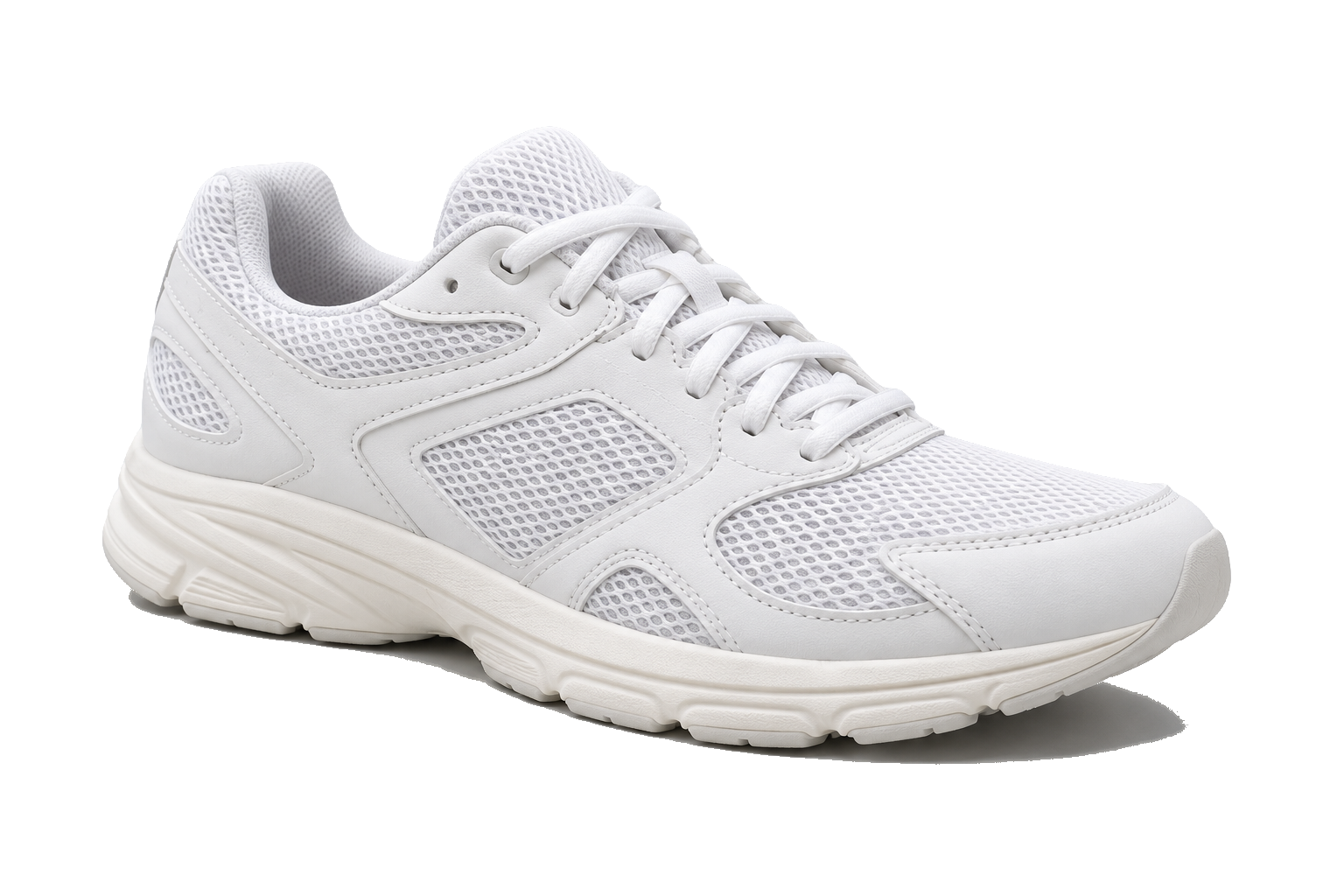
Generated shoe photo, processed with CutSubject.
Decide which white areas belong to your logo
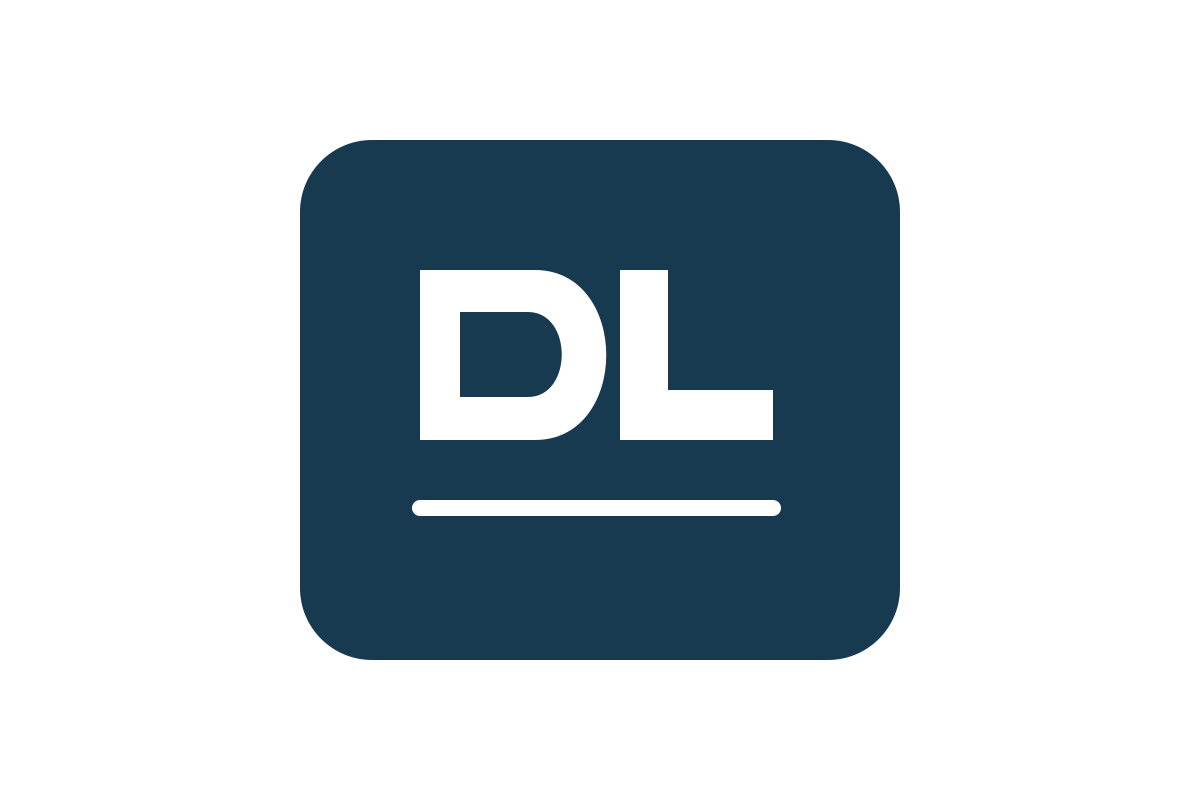
White in a logo can be unwanted background, letter openings or intentional lettering. Our white background remover starts graphics in color mode and removes detected enclosed white areas too. This suits dark line art whose internal spaces should reveal a new background.
If white lettering disappears, use Keep them in the enclosed-shapes message to restore all detected enclosed areas together. Remove them reverses that choice. This differs from photo subject protection and cannot identify every white detail. Pick selects a color, not one isolated region.
Original
Keep them

Original demo mark, processed with CutSubject.
Remove paper behind a signature or line drawing
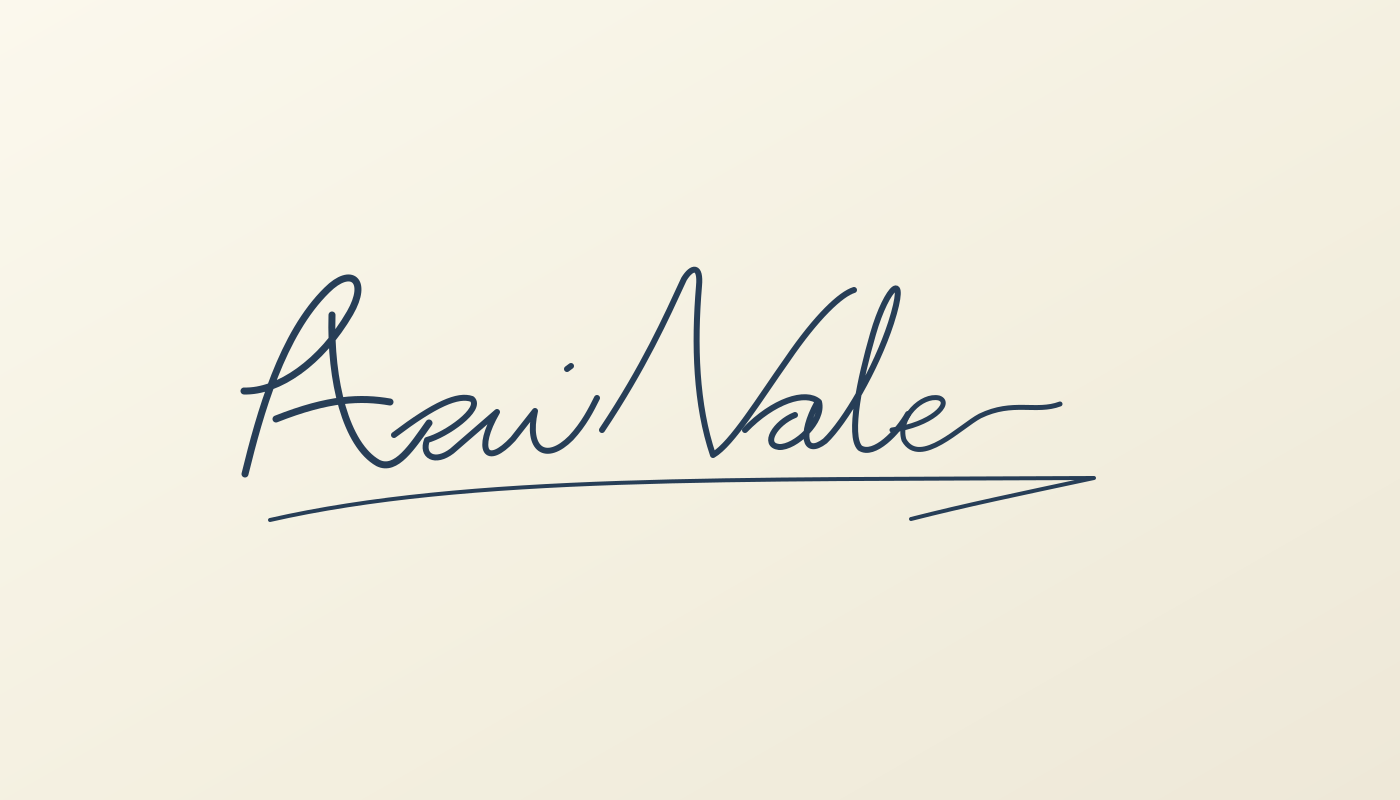
A white background remover can lift dark strokes from pale paper. Start with Remove a color for signatures, stamps or drawings. Inspect small loops and thin strokes; photo subject protection can bring unwanted paper back into a graphic.
Cream paper and faint pencil marks need careful color and tolerance adjustments. Strong shadows or ruled lines can remain because they differ from the paper; this is not automatic document cleanup. Our demonstration uses an original fictional signature.
Original
Transparent result
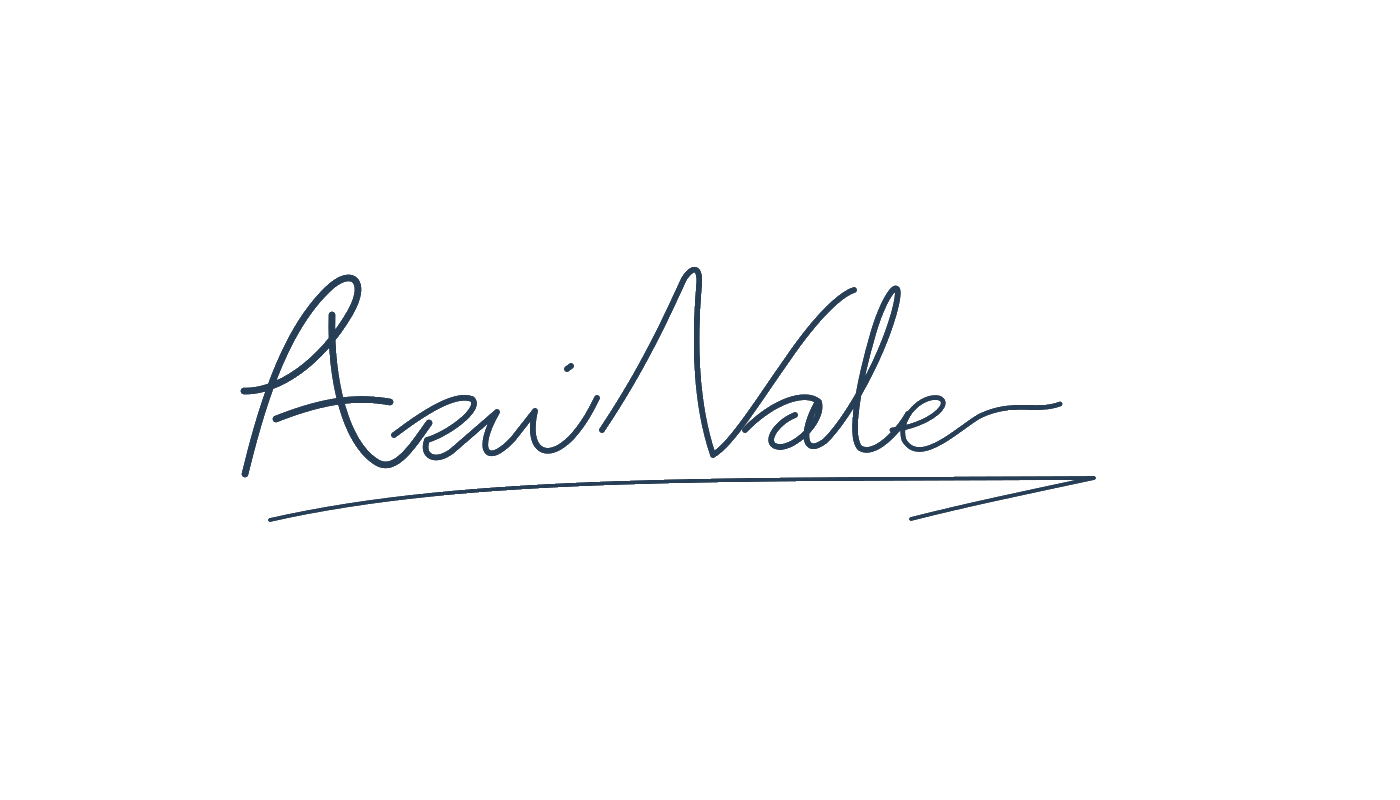
Original fictional signature, processed with CutSubject.
Sample the paper, not the ink
CutSubject samples the border for a starting color. If that misses the background, select Pick and click a representative patch away from the subject. Our white background remover also handles cream or light gray paper.
The marked point samples the beige paper beside this stamp. Avoid clicking blue ink or a strong shadow: that changes which color you remove. Check the full result before raising tolerance.
Click the beige paper

Paper removed

Original demo stamp; the dot marks the sampled paper color.
Keep fine detail when adjusting tolerance
Raise Tolerance gradually to remove more similar shades. Watch pale details: higher values can erase strokes you wanted. Lower it again if that happens. These three actual results show why the highest setting is not automatically best.

Generated watercolor, processed at the three shown tolerances.
Check for white edges on a darker background
A cutout can look clean on white but reveal a pale fringe elsewhere. Edge pixels mix subject and background colors. Clean edges helps reduce that leftover color in the white background remover and is on by default in color mode.
Inspect a contrasting background. For a solid strip of remaining paper, adjust color or tolerance; edge cleanup cannot fix every removal problem. Fine or compressed details can still need attention. Below, only Clean edges changes.
Clean edges off

Clean edges on

The same detail, enlarged

Clean edges off

Clean edges on
Generated plush photo; both details show the same ear.
Correct a small area without restarting
On a computer, the white background remover includes Erase and Restore. Zoom in and use a small brush on leftovers or missing details. Restore brings back original pixels, including old background; undo overcorrections. Follow edges helps constrain strokes around color boundaries. Enable Keep tool active for repeated strokes.
Magic selects an object from your marks on supported computers. In AI mode, Remove item fills behind a small removed object; it is different from making pixels transparent. Specks provides Find, then Remove for marked loose fragments. Inspect selections before applying them. These white background remover controls depend on the device and mode.
Before Erase
After Erase
Generated inputs; Restore reverses a deliberate brush removal.
Choose transparency or a new background
After using the white background remover, select Transparent and download PNG or WebP. JPG cannot preserve transparency: it uses your selected background, or white. PNG alone will not remove a solid background you added.
Try a solid color or your own background image for a finished graphic. Keep a transparent copy for reuse. Viewers can display transparency as white, so check over a colored surface. Resizing or cropping affects export dimensions; downloading does not reverse an earlier input resize.

Generated beauty photo, shown on selectable backgrounds.
What you get
Ordinary color removal and AI subject protection have different processing requirements.
- Price
- Free. No sign-up, no watermark.
- Output
- Transparent PNG or WebP, or JPG with a background. Loaded dimensions are kept unless you resize or crop.
- File limits
- 50 MB per file; 6000 px maximum side. Larger images can be resized.
- Daily AI allowance
- Phones and tablets: 30 AI or subject-protection images. Computers and ordinary color removal have no daily AI quota.
- Where it runs
- Computer files and ordinary color removal stay in your browser.Phone and tablet AI or subject protection use our server. URL imports are fetched by our server.
- Input formats
- JPG, PNG, WebP and HEIC
How to remove the white background from an image
- 1
Upload an image
From Photos, or paste an image or link.Drop a file, paste an image or a URL.
- 2
Check the white parts
Review the subject, enclosed white shapes and edges; adjust the controls for your image.
- 3
Download
Select Transparent and save as PNG or WebP, or choose a new background first.
White background questions
Short answers about white edges, paper and output.
Why does my downloaded PNG still look white?
Some viewers draw transparency on white. Place the image over a colored background to check. If you selected a solid background before downloading, choose Transparent and export again.
Which image files can I use?
Upload JPG, PNG, WebP or HEIC, up to 50 MB. Images exceeding 6000 pixels on the longest side can be resized before processing; the download cannot recover that discarded size.
Can the white background remover remove ruled lines?
It removes the selected background color, not every mark on paper. Dark rules and shadows can remain. Use a cleaner scan or carefully correct small areas rather than raising tolerance until handwriting disappears.
Is this white background remover free?
Yes, with no account or watermark. Computers have no daily AI quota. Mobile AI and subject protection have daily allowances; ordinary color removal does not use them. File and device limits apply.
Why did my white background remover erase white text?
Color removal can treat enclosed lettering as background. Keep them restores detected enclosed areas together. Inspect the result: not every white letter will be identified correctly.
Does the white background remover work on my phone?
Yes. Select an image in your mobile browser. Color removal stays local; AI and protection use our server and daily allowance. Detailed desktop touch-up controls may not be available.
Are my images uploaded?
Computer files and ordinary color removal stay local. Mobile AI or protection sends a smaller copy to our server. Pasted image URLs are fetched by our server.
Can I use the white background remover for an animation?
Use the GIF background remover for GIF, APNG or animated WebP files. It offers frame preview and animated export. These examples explain still images.
Try it with your own image
Check the result, choose your background and download when you are ready.
Upload ImageRelated toolsRemove backgroundGIF background remover