
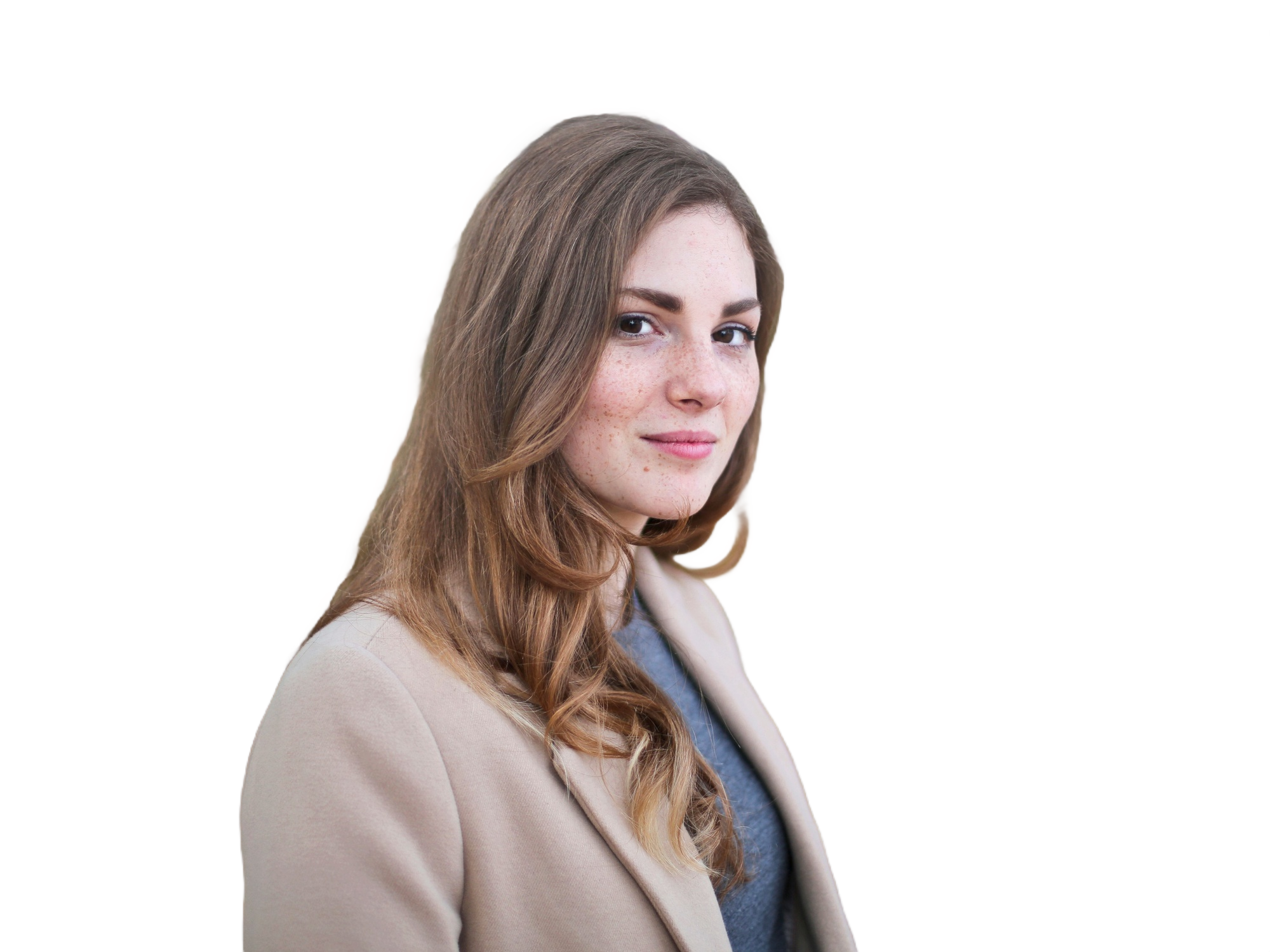
A transparent PNG
Upload a photo and press Download PNG; the background is transparent by default. The steps are on the home page, under how to remove a background from an image.
Cut out your photo for free with no sign-up, no watermark and no upload, and download it at the original size.
or drop a photo anywhere, paste one, or
6000 px longest side · 50 MB · JPG, PNG, WebP, HEIC
A pasted link is fetched by our server only when its website blocks direct access.


2000 × 1500 px · 1.7 MB
Yes. According to remove.bg's FAQ, its standalone website closes on December 1, 2026, at 9:00 a.m. CET (3:00 a.m. Eastern), and its background removal moves into Canva. If you are choosing a remove.bg alternative, the rows below cover the rest of what the FAQ says changes.
This is from remove.bg's FAQ, read on November 8, 2026. The live page will change or stop working after the website closes, so this link is an archived copy.
Read remove.bg's FAQ, archived November 6, 2026
CutSubject is not affiliated with remove.bg or Canva.
Yes. It is free, needs no account and adds no watermark. The cards below list what you get and the limits that apply.
2000 × 1500 px, 1.7 MB. This is the first sample at the top of this page, exported at full size and not retouched.
For the same African grey parrot photo, the free download from remove.bg was 612 × 408 px, and the free download from CutSubject was 6000 × 4000 px, the photo's original size. Both numbers were measured on November 8, 2026.


| Measure | remove.bg, free | CutSubject, free |
|---|---|---|
| Size | 612 × 408 px | 6000 × 4000 px |
| Megapixels | 0.25 | 24 |
| File size | 96 KB | 5.2 MB |
| Account | Not needed for the preview | Not needed |
| Larger sizes | 6000 × 4000 px is marked Unlock; we did not unlock it | None, because the free file is already the original size |


A file this small works for an avatar or a thumbnail. A product listing, a banner or a print needs more pixels than 612 px.
We uploaded the photo to remove.bg without signing in on November 8, 2026 and read the sizes in its download menu. We did not unlock the full size. CutSubject's file is the editor's real export, not retouched.
Switching from remove.bg is mostly one step: upload a photo, choose what goes behind the cutout, and download. Each row below names the control or page for one job in this remove.bg alternative.

Transparent

White

Color

Blur
Upload a photo and press Download PNG; the background is transparent by default. The steps are on the home page, under how to remove a background from an image.
Choose White, Black, Cobalt, Choose a color or Use a photo under Background, then download a PNG or JPG. Which format keeps transparency is explained on the home page.
Choose Blur the original under Background to keep your own background out of focus.
Crop & position sets the shape and the size of the subject, and Soft shadow keeps a product from looking pasted on.
Erase and Restore work on every device. Computers and tablets also have Magic and Remove item, and computers have Refine edges for hair and fur. The home page shows how to fix mistakes after removing a background.
Upload it and use Remove a color, which takes out one color instead of looking for a subject. The details are on the page about how to remove a white background from a logo or signature.
Open it in the GIF tool, which cuts out every frame; video files are not supported. The details are on the page about how to remove the background from a GIF.
Paste a photo or a link with Ctrl+V or ⌘V anywhere on the page; on a phone, tap Paste image or URL. On a computer, the download menu also has Copy to clipboard.
If you need an API, a Photoshop plugin, Canva's design tools or a server that runs on its own, another service fits better than this remove.bg alternative. CutSubject is a website you use by hand, one photo or a whole batch.
CutSubject has no API. According to remove.bg's FAQ, API access moves to Leonardo.ai, which has a migration guide for remove.bg users. Photoroom also offers a Remove Background API.
CutSubject has no way to run by itself, so a nightly job or a large volume from a shop system needs an API: the FAQ names Leonardo.ai's API for larger volumes. To do many photos by hand, the Bulk tool has no limit on how many.
Photoshop has its own Remove Background action. The FAQ also suggests Affinity, and says its background removal runs on Canva AI and needs a Canva Pro subscription.
Staying in Canva is the shorter path if your work is already there, because the FAQ says background removal now lives inside Canva designs. Canva's Help Center lists transparent-background downloads for Canva Pro, Teams and some other plans, but not the free Canva plan.
No. Your browser does the work, on a computer, phone or tablet, so your photo does not leave your device. The one exception is a pasted link: when its website blocks direct access, our server fetches the public image and passes it straight to your browser without keeping it.
After the first photo, switch off Wi-Fi and process a second one, or watch the Network panel in your browser's developer tools while you process a photo. The page's own files load, but no request carries your photo. Both checks are explained step by step on the home page, under how to test it offline.
Run five tests on one of your own photos with any remove.bg alternative, and judge each tool by the file you get, not by its home page.
| Test | How | What to look for |
|---|---|---|
| Download size | Process a photo whose size you know, download the result and open its properties. | The pixel size matches your original, not a smaller preview. |
| Watermark | Put the downloaded file on a plain colored background and look at it at full size. | Nothing is drawn on the picture, in any format you need. |
| Sign-up | Go from the first screen to the download without creating anything. | No account, email or login before the download. |
| Upload | Switch off Wi-Fi after the first photo, or watch the Network panel in your browser's developer tools. | Another photo still processes offline, and no request carries your photo. |
| Hard photo | Try a photo with hair, fur or a subject close to its background color. | Fine strands survive, or the tool has a way to fix them. |
The same-photo comparison above applies the first test to remove.bg and to CutSubject, and the privacy section above covers the fourth.
Six things to do before the website closes, whichever remove.bg alternative you pick, in the order you will miss them.
Download your invoices and credit usage report. Export both from your remove.bg Account page; the FAQ says you cannot download them after the website closes.
Use your remaining credits. Pay-as-you-go credits do not carry over, so process the images you need first.
Check your subscription. Plans end on their own, so you do not need to cancel. To stop a monthly plan earlier, cancel in your remove.bg dashboard.
Move your API key. Follow Leonardo.ai's migration guide for remove.bg users before the self-service API stops accepting requests.
Choose a replacement for plugins. The Photoshop plugin and other integrations stop on December 1; the section on who should not switch lists the options.
while remove.bg still works. Process the same photo in both and compare the file sizes.
Yes. According to remove.bg's FAQ, its standalone website closes on December 1, 2026, at 9:00 a.m. CET, and its background removal moves into Canva. The shutdown section above has the rest, including the API.
It is becoming part of Canva's platform: remove.bg joined Canva in 2021 and is now moving its background removal into Canva, with API access going to Leonardo.ai.
No. After 9:00 a.m. CET on December 1, 2026, remove.bg's website and accounts are no longer available and its self-service API stops accepting requests, according to its FAQ. Enterprise API contracts continue as normal.
Yes. CutSubject is free, needs no account and adds no watermark. The facts cards above list the limits.
Yes, if HD means the original size: the free download from CutSubject keeps your photo's own size, up to 6000 px on the longest side. The free download from remove.bg is a smaller preview, as the same-photo comparison shows.
Not here: CutSubject has no API. According to remove.bg's FAQ, API users go to Leonardo.ai, and Photoroom also offers a Remove Background API.
Partly. Its free download is a small preview, and larger sizes are marked Unlock in its download menu. The same-photo comparison has the numbers.
Yes. The Bulk tool on CutSubject takes as many photos as you add, free and with no sign-up. According to remove.bg's FAQ, Canva also has bulk background removal for batches.
Yes. CutSubject runs in Safari on an iPhone and in Chrome on an Android phone, and the photo is processed on the phone itself. The home page has the steps for each phone.
Remove the background from a person, pet, product or scene on the home page.
Remove the background from a GIF in the GIF tool, which cuts out every frame.
Remove a white background from a logo, signature or scan, and keep the white parts of your subject.
CutSubject is run by Pattern Hub LLC. Email contact@cutsubject.com with questions about CutSubject or your photos.
or drop a photo anywhere on the page